Dark Pattern Scanner
Scans secure webpages for 13 types of manipulative design tricks. Pre-checked boxes, fake urgency, trick wording, and more.
Websites use dark patterns, manipulative design tricks that push you into choices you didn't intend to make. Dark Pattern Scanner makes these tricks visible.
Free on the Chrome Web Store.
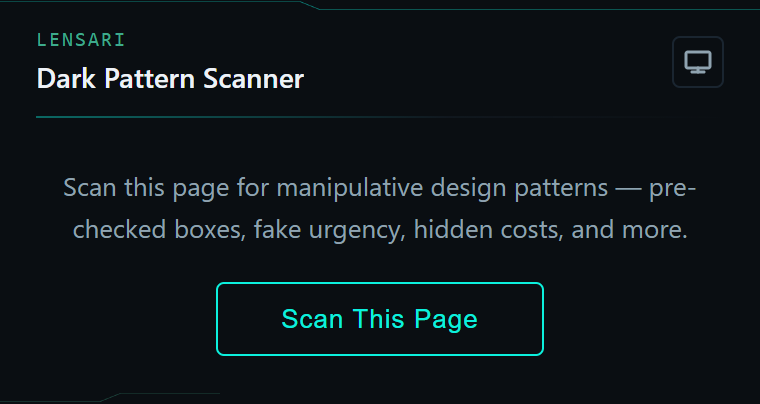
Built to make the tricks visible
Plain-language findings
Scan a page and see exactly what was found, with a plain-language explanation of each trick.
Jump to the element
Click the Navigate button beside a finding to scroll straight to that element on the page, with a highlight showing exactly where it is.
13 detection categories
From confirmshaming to sneaky defaults: text analysis plus structural DOM inspection.
Free, no gates
No limits and no account required. Every detection category is included.
The 13 manipulation patterns
13 categories of manipulative design, split between text analysis and structural DOM inspection. Each finding carries the severity the scanner assigns it.
Text analysis
8 patternsConfirmshaming
Decline buttons that use guilt to manipulate your choice.
Forced continuity
Auto-renewal and trial-to-paid conversion buried in fine print.
Hidden costs
Fees and charges revealed late or displayed in small text.
Roach motel
Easy to sign up, hard to cancel. Deliberate cancellation friction.
Fake urgency
"Only 2 left!", "Limited time!", "Selling fast!"
Misdirection
"Recommended" and "Best Value" labels steering you to expensive options.
Trick wording
Double negatives and confusing opt-out language.
Privacy zuckering
Nudges pushing you to share unnecessary personal data.
Structural DOM analysis
5 patternsPre-checked opt-ins
Checkboxes already ticked for marketing or data sharing.
Countdown timers
Countdown timers that create artificial deadlines.
Button asymmetry
Accept buttons designed to overpower decline buttons.
Hidden form fields
Invisible tracking inputs collecting data you didn't provide.
Sneaky defaults
Forms pre-set to the most expensive or most permissive option.
And when a scan finds nothing, it says so honestly: "Either this page is clean, or the patterns are too subtle for automated detection."
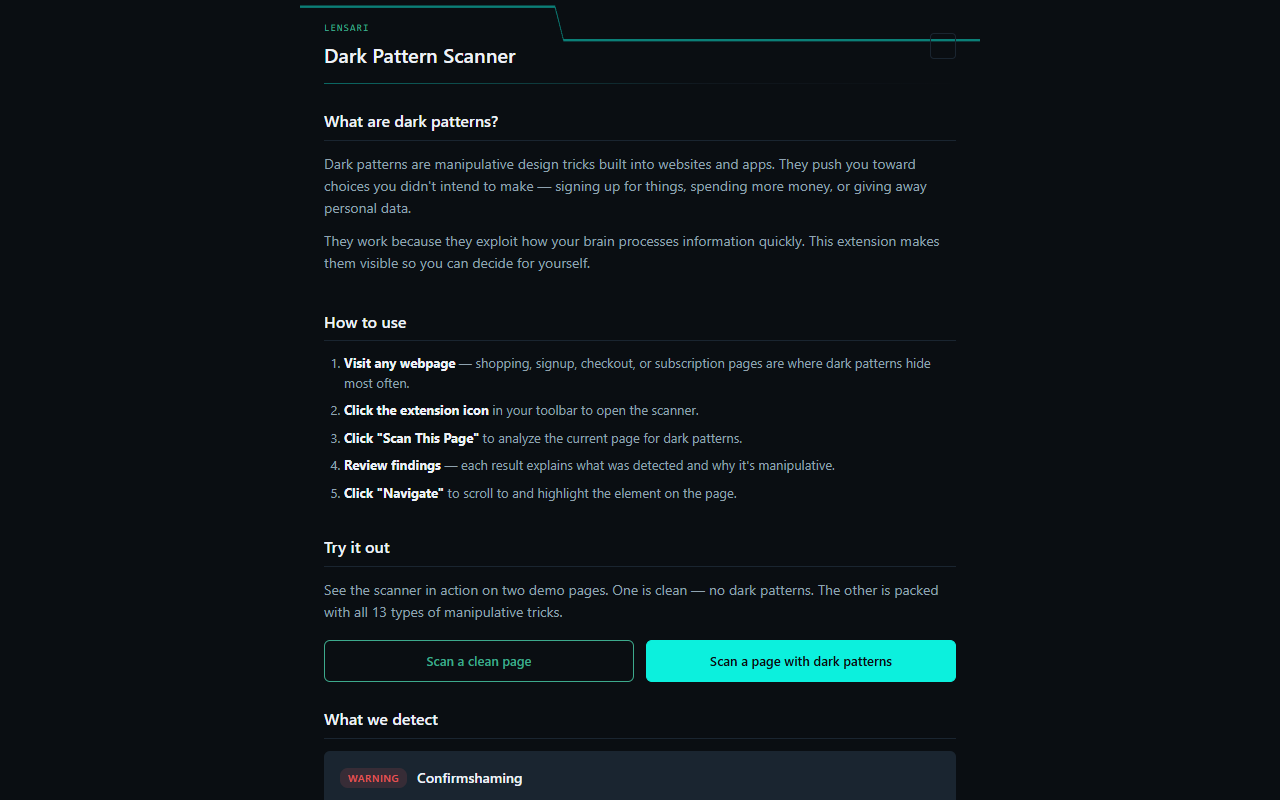
Scan, read, navigate
Visit any secure (https) webpage. Shopping, signup, checkout, and subscription pages are where dark patterns hide most often.
Open the scanner
Click the extension icon in your toolbar to open the scanner.
Scan this page
Click "Scan This Page" to analyze the current page for dark patterns.
Review findings
Each result explains what was detected and why it's manipulative.
Navigate to the element
Click "Navigate" to scroll to and highlight the element on the page.
Everything runs locally in your browser
Free. No limits. No gates.
There is no pro tier and nothing to unlock. All 13 detection categories ship in the free extension.
- All 13 categories included
- No account required
- Runs locally in your browser
See what the page isn't telling you
Free on the Chrome Web Store.
Software that respects your attention.